How to•
How to edit a screenshot on Mac
Crop and mark up a screenshot on Mac with Markup and Preview. Then add a background and frame in a free browser editor.
Tutorials and tips for creating beautiful screenshots, mockups and marketing images with Pika, plus product updates.
Crop and mark up a screenshot on Mac with Markup and Preview. Then add a background and frame in a free browser editor.
Pika's screenshot editor now has curved arrows, text backgrounds, layers, undo, a cleaner Save button and work that survives a reload.
Colorshot vs react-colorful vs react-best-gradient-color-picker with real bundle sizes and gradient support
Konva vs Orshot Embed vs Fabric.js for adding an image editor to a React app with real bundle sizes and download numbers
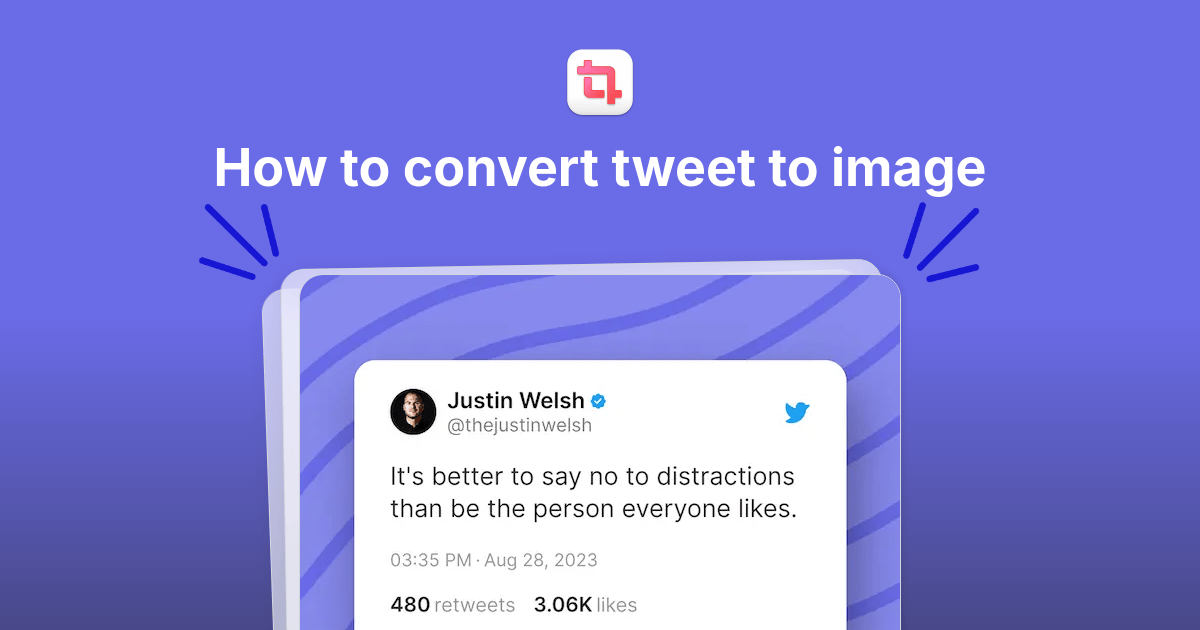
Learn how to turn tweet to beautiful image using this free tool. Paste tweet link, customize the image and export the image
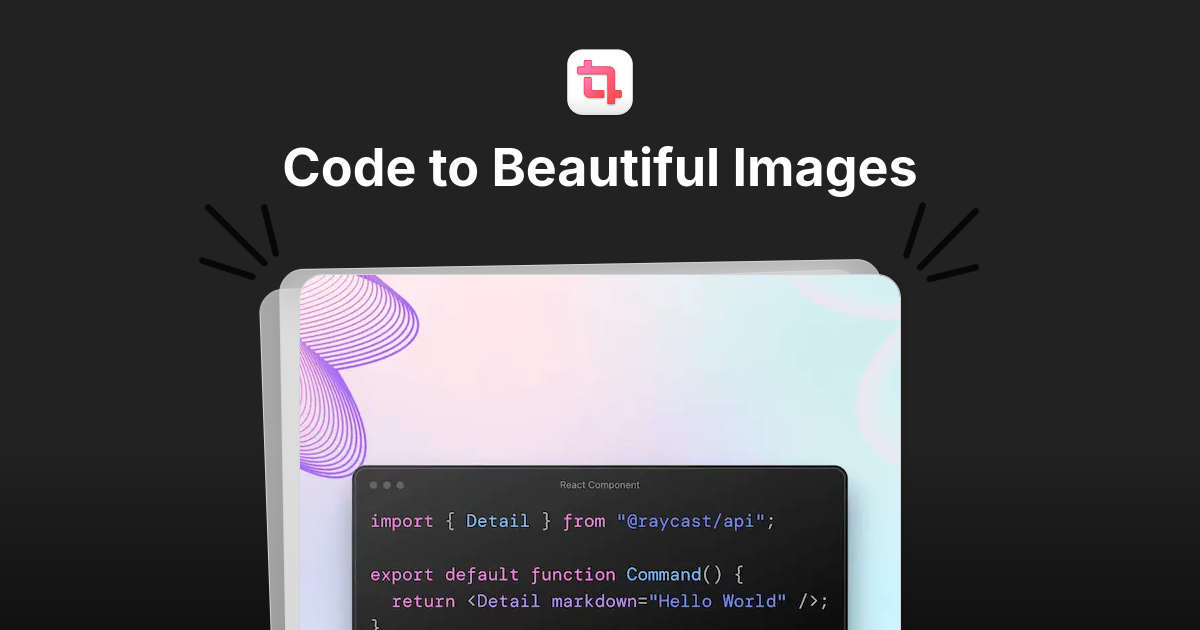
Turn a code snippet into a clean, shareable image with syntax highlighting, auto-indentation and themes, using Pika's free code image tool.
Two ways to take website screenshots in Next.js: run Puppeteer yourself, or call Orshot's screenshot API from an App Router route handler.
Today we're updating Pika's pricing and we have a good news for all our existing users. We've decided to make less money and add more value for our customers
![5+ Best screenshot API [2026]](https://assets.pika.style/cdn/blog/best-screenshot-api/cover.jpg)
We compare the best screenshot APIs in 2026, including Orshot, ScreenshotOne, URLBox, ScreenshotAPI and Abstract API, with pricing and code.
Take full-page website screenshots with Orshot's API: pass the URL, set fullCapture, and get the image back in one request. With cURL and fetch.
Turn your boring screenshots into appealing images that'll get you clicks with these screenshot editors