# The 3 best image editors for React
> Konva vs Orshot Embed vs Fabric.js for adding an image editor to a React app with real bundle sizes and download numbers
- URL: https://pika.style/blog/best-react-image-editor
- Published: 2026-10-03
- Author: Rishi Mohan
- Tags: Lists
---
Sooner or later someone asks for it: "Can users just edit the image right here in the app?" Add text, move a logo, swap a photo, export a PNG. It sounds like a weekend. It isn't.
I've built this a few times now. Pika's editor is plain DOM and CSS turned into a PNG with dom-to-image, which works because every Pika template has a fixed layout. Orshot Studio is a full free-form design editor, and that one took a lot longer. So here are the three options I'd look at for a React app, and when each one is the right call.
Downloads are weekly numbers from npm at the time of writing, and sizes are what each package adds to your bundle (built with esbuild, minified, gzipped, React left out).
## Quick comparison
| | Konva + react-konva | Orshot Embed | Fabric.js |
| --- | --- | --- | --- |
| What it is | Canvas library with React bindings | Hosted design editor in an iframe | Canvas library with an object model |
| You build the editor UI | Yes | No | Yes |
| Weekly downloads | 2.54M (react-konva) | n/a (hosted) | 1.24M |
| Maintenance | Active | Hosted, always current | Active |
| Gzipped size | About 105 KB | 1.8 KB (the editor loads in the iframe) | About 93 KB |
| Text editing on canvas | Build it (textarea overlay) | Built in | Built in |
| Export | PNG, JPEG, JSON | PNG, PDF, HTML, plus render API | PNG, JPEG, SVG, JSON |
| License / price | MIT | From $39/month | MIT |
## 1. Konva with react-konva
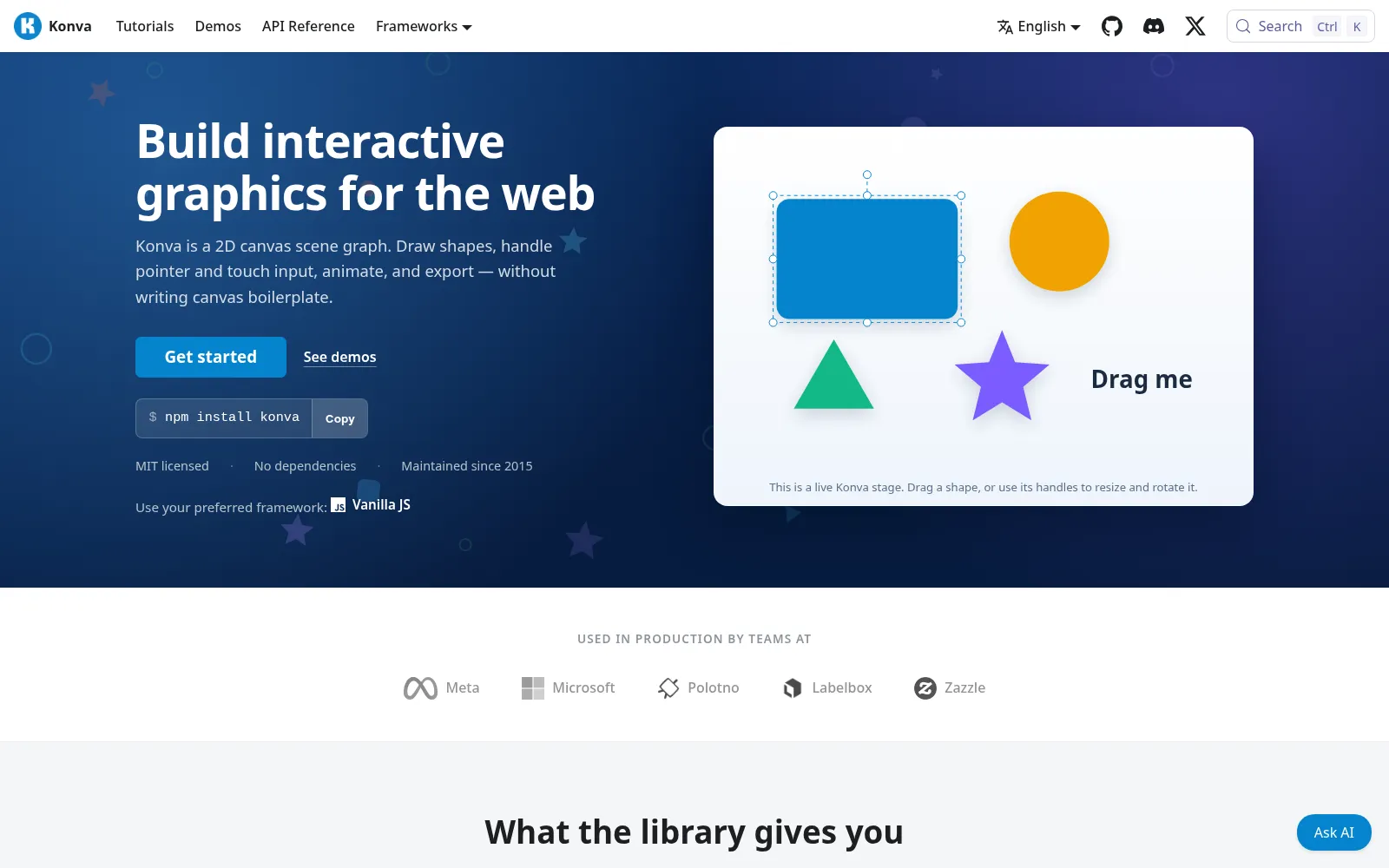
[Konva](https://github.com/konvajs/konva) is a 2D canvas library, and [react-konva](https://github.com/konvajs/react-konva) lets you write the canvas as React components. Your layers are just state, so a design is an array of objects you map over. If your app is already React, this is the most natural way to build an editor. It's also the most used of the three by a wide margin, with 3.35 million weekly downloads for `konva` and 2.54 million for `react-konva`.
```bash
npm i konva react-konva use-image
```
```jsx
import { useEffect, useRef, useState } from "react";
import { Stage, Layer, Image as KonvaImage, Text, Transformer } from "react-konva";
import useImage from "use-image";
export function Editor() {
const [photo] = useImage("/photo.jpg", "anonymous");
const [selected, setSelected] = useState(null);
const stageRef = useRef(null);
const trRef = useRef(null);
// Show resize and rotate handles on the selected layer
useEffect(() => {
trRef.current.nodes(selected ? [selected] : []);
}, [selected]);
const exportPng = () => stageRef.current.toDataURL({ pixelRatio: 2 });
return (
e.target === e.target.getStage() && setSelected(null)}
>
setSelected(e.target)} />
setSelected(e.target)} />
);
}
```
You get dragging, the `Transformer` for resize and rotate handles, groups, filters, hit detection and good performance with a lot of shapes. `stage.toJSON()` saves a design and `toDataURL()` exports it.
What you don't get is the editor around it. Inline text editing is the usual surprise: Konva draws text but doesn't edit it, so you position a `textarea` over the text node yourself. Undo and redo, snapping guides, layers panels, font loading and a toolbar are all yours to build too. There's also no SVG export.
**Pick it when** you want full control and you're ready to own the editor. It's a proven base: Polotno, one of the bigger commercial design editor SDKs, is built on Konva and react-konva.
## 2. Orshot Embed
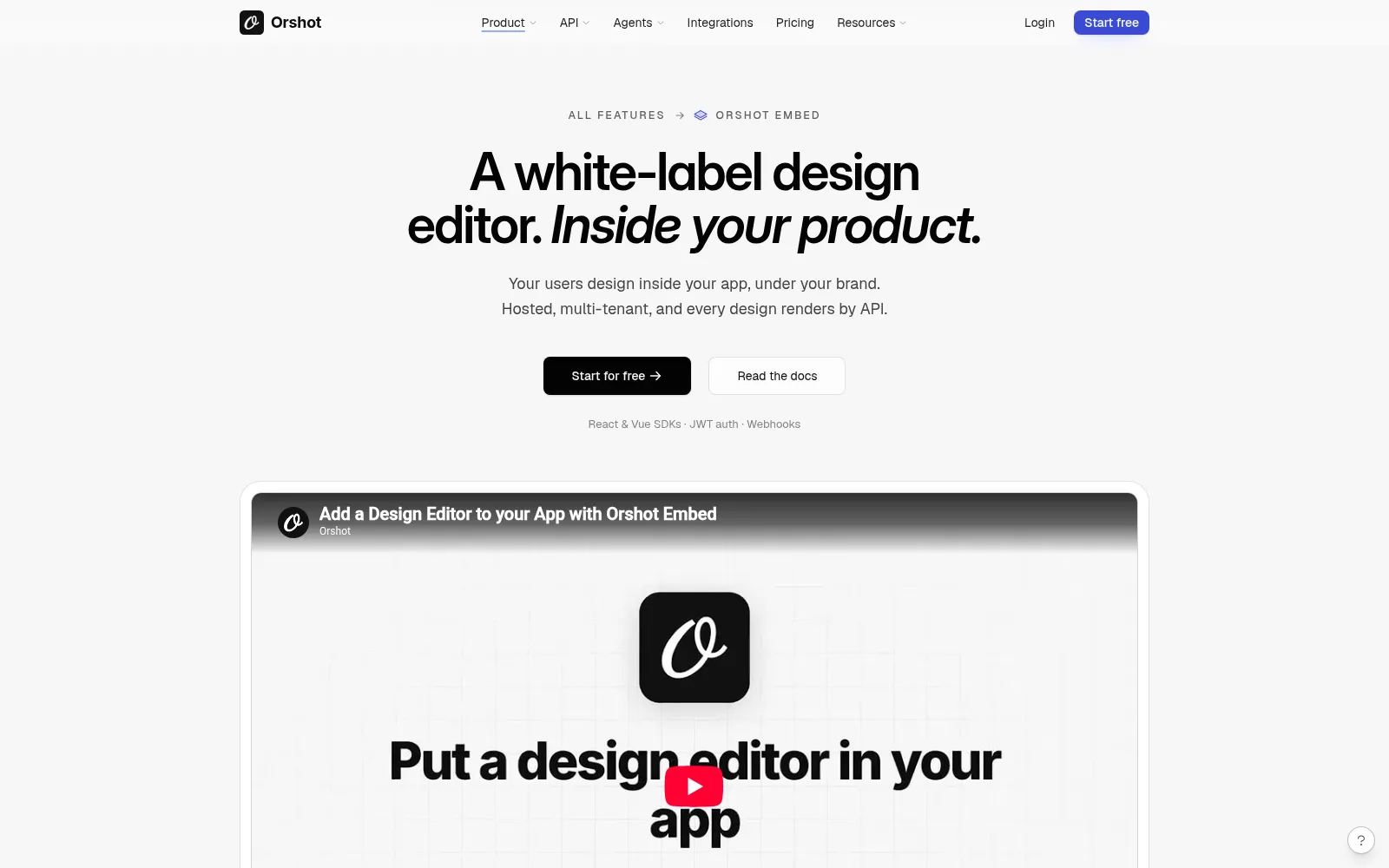
[Orshot Embed](https://orshot.com/features/orshot-embed) is the editor I work on. Orshot is an API for automated image, PDF and video generation from templates, and Embed puts its design editor (Orshot Studio) inside your app. Instead of building an editor, you drop in a component and get one that's already done: text and image layers, shapes, brand fonts and colors, templates, multi-page designs, and PNG or PDF downloads.
```bash
npm i @orshot/embed-react
```
```jsx
import { OrshotEmbed } from "@orshot/embed-react";
export function DesignEditor() {
return (
console.log("Saved", data)}
onDownloadPng={(data) => console.log("PNG", data.content)}
/>
);
}
```
The React package is a 1.8 KB wrapper around an iframe, so the editor doesn't land in your bundle. You control what users can do with permission settings, each user can get their own templates, uploads, fonts and colors, and webhooks tell your backend when a design is created or saved. Because the designs are Orshot templates, the same design your user made can be rendered from the API later, as an image, a PDF or a video, with new text and images each time.
**The trade-off:** it's a hosted editor, so you configure it rather than change its code, and the designs live on Orshot. Embed starts on the $39/month plan with Orshot branding. White-labeling, webhooks and per-user data come with the $160/month plan.
**Pick it when** the editor is a feature of your product, not the product itself, and you'd rather ship it this week than maintain it for the next year.
## 3. Fabric.js
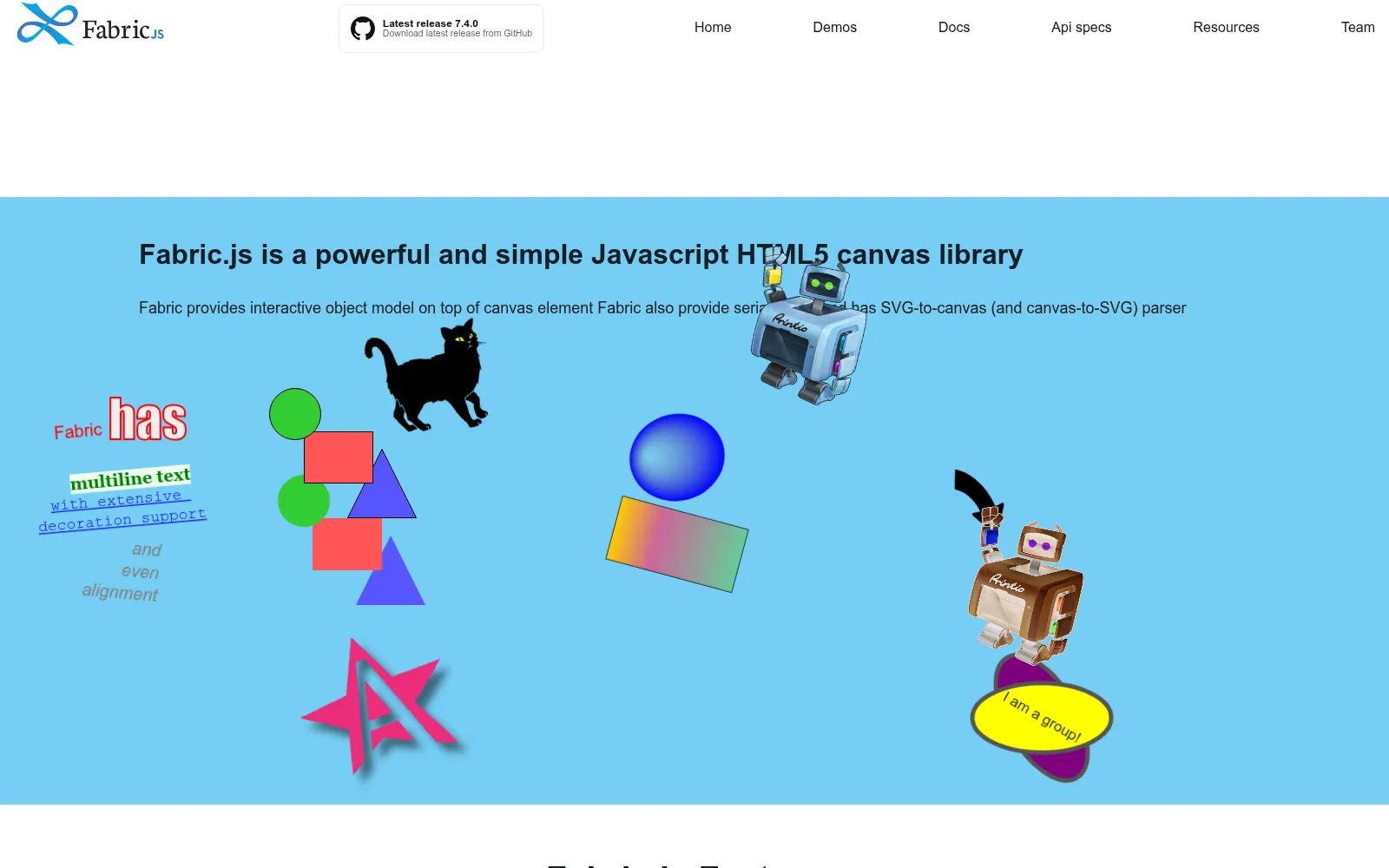
[Fabric.js](https://github.com/fabricjs/fabric.js) is the other big canvas library, and it's been around for well over a decade. Where Konva gives you shapes to arrange, Fabric gives you an interactive object model out of the box: click to select, handles to resize and rotate, multi-select, and text you can double-click and type into. Version 6 rewrote it in TypeScript with ES modules, and it's still actively maintained.
```bash
npm i fabric
```
```jsx
import { useEffect, useRef } from "react";
import { Canvas, FabricImage, Textbox } from "fabric";
export function Editor() {
const elRef = useRef(null);
const canvasRef = useRef(null);
useEffect(() => {
const canvas = new Canvas(elRef.current, { width: 800, height: 500 });
canvasRef.current = canvas;
FabricImage.fromURL("/photo.jpg", { crossOrigin: "anonymous" }).then((img) => {
canvas.add(img);
canvas.sendObjectToBack(img);
});
canvas.add(new Textbox("Double-click to edit", { left: 40, top: 40, width: 320, fontSize: 32 }));
return () => {
canvas.dispose();
};
}, []);
const exportPng = () => canvasRef.current.toDataURL({ format: "png", multiplier: 2 });
return ;
}
```
It also imports and exports SVG, serializes the whole canvas to JSON with `canvas.toJSON()` and `loadFromJSON()`, and has image filters built in. That's a lot less to build than with Konva for a classic design editor.
The catch in a React app is that Fabric isn't React. There are no official bindings, so the canvas lives in a ref and you keep its objects in sync with your React state by hand. It's also about 93 KB gzipped, and most of that stays even if you only import a few classes.
**Pick it when** you want inline text editing, selection and SVG support without building them, and you're fine managing the canvas outside React's state.
## Other editors worth knowing
These didn't make the top three for a React app, but they're good at what they do:
- **Polotno** is a complete design editor SDK built on Konva, with templates, text, images and a side panel, and 35K weekly downloads. It's a commercial license you host and maintain yourself. I wrote up how it compares with a hosted editor, costs included, in this [Polotno alternative](https://orshot.com/blog/polotno-studio-alternative) post.
- **img.ly CreativeEditor SDK (CE.SDK)** is a polished commercial editor for the browser and mobile, at 62K weekly downloads. You run the rendering and backend around it, and pricing is through their sales team. Here's the full [img.ly alternative](https://orshot.com/blog/imgly-sdk-alternative) comparison if you're weighing it up.
- **Filerobot Image Editor** (MIT, 64K weekly downloads) and **Pintura** (commercial, by PQINA) are photo editors rather than design editors: crop, rotate, filters, annotations. If users only need to fix a photo before upload, start here. TOAST UI Image Editor is still popular, but it hasn't had a release in years.
## Which one should you use?
- **You want to build your own editor in React:** Konva with react-konva.
- **You want a finished editor in your app this week:** Orshot Embed.
- **You want selection, inline text editing and SVG without building them:** Fabric.js.
- **Users only crop and filter photos:** Filerobot or Pintura.
If you're still unsure, try the hardest feature first. For most teams that's editing text on the canvas, with fonts that load correctly and an export that matches the screen. Whichever option makes that easiest is usually the right one. If it comes down to the two canvas libraries, my [Konva vs Fabric.js](https://orshot.com/blog/konva-vs-fabric-js) comparison builds the same features in both, text editing and export included.